Free
Typing, swipe, emoji, preset themes and layouts, the number row, split and one-handed, language switching, and iCloud Sync.
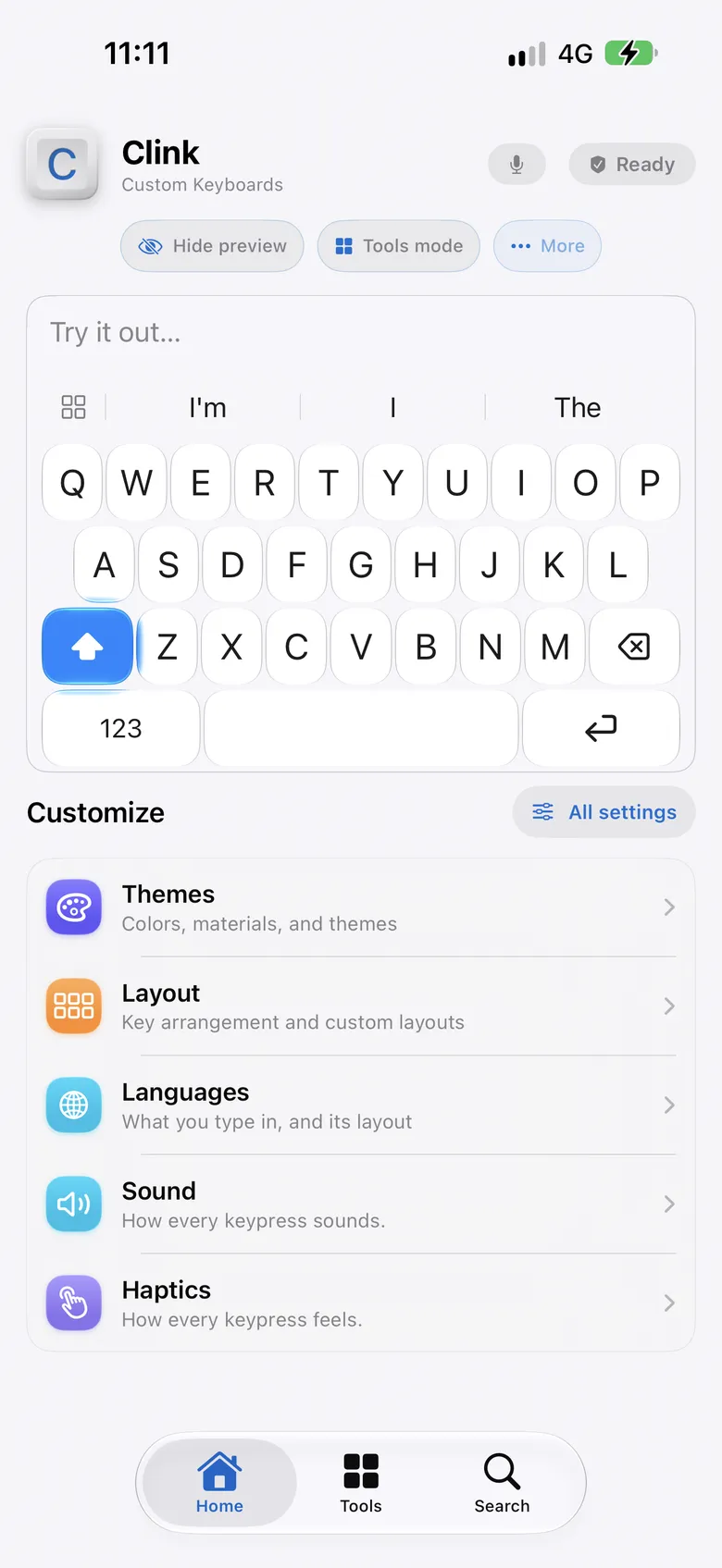
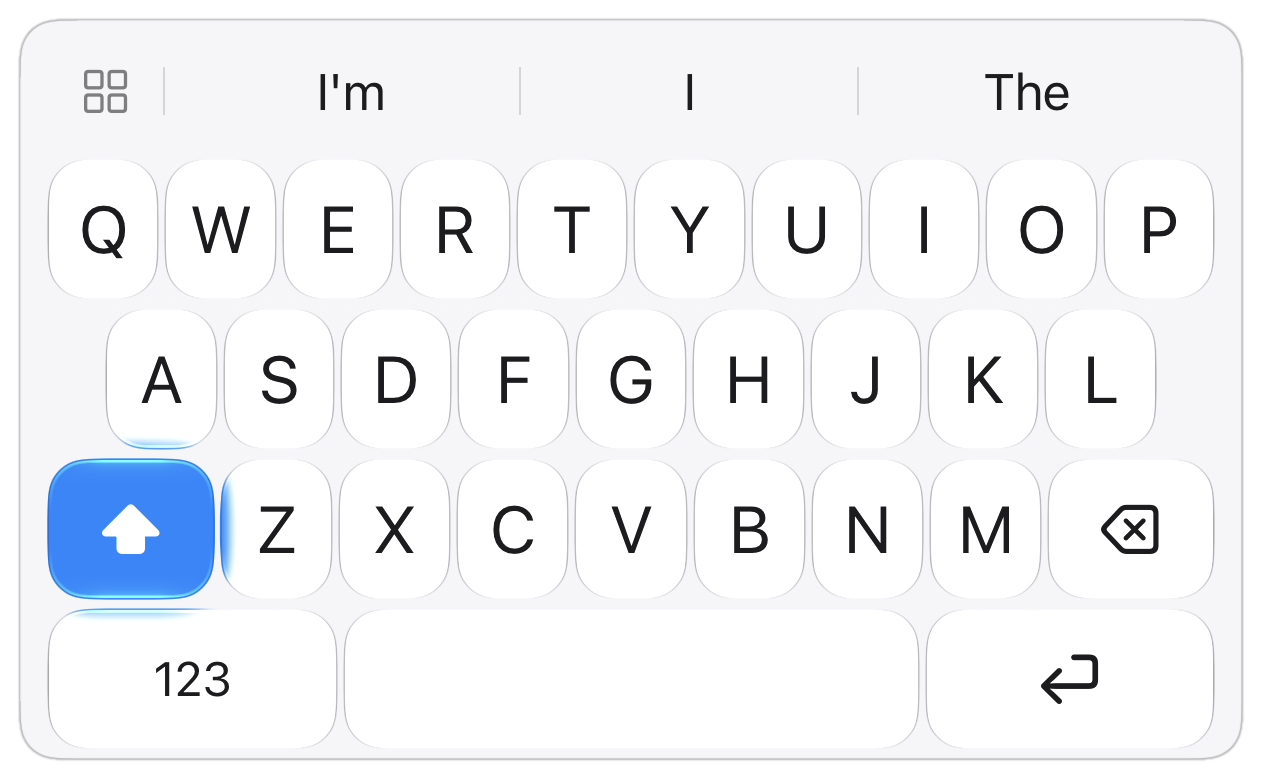
Clink keyboard demonstration
The keyboard app for iPhone + iPad
Set it up how you like. Nothing you type ever leaves the phone.
For iPhone and iPad. iOS 17 or later.
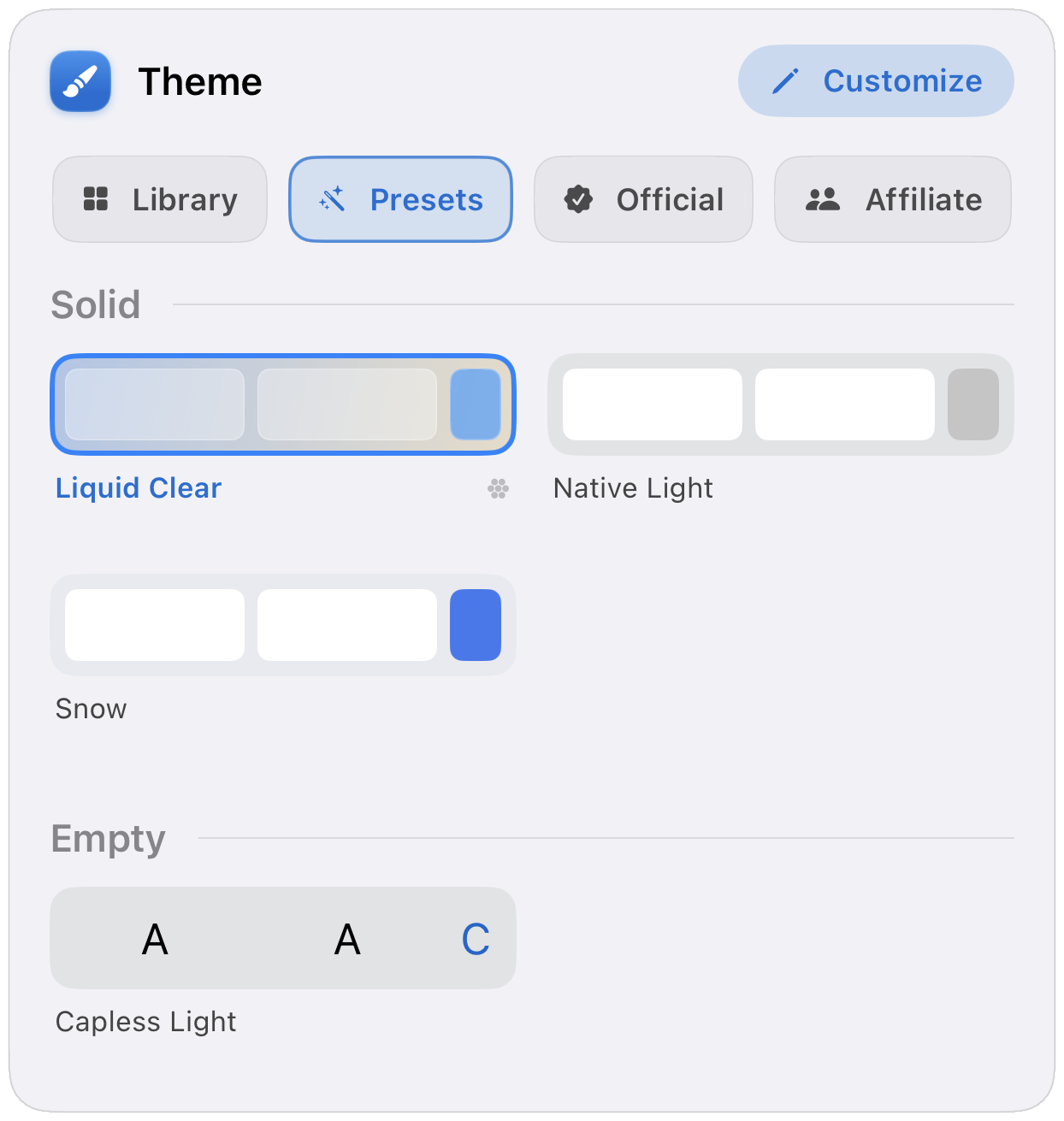
Themes
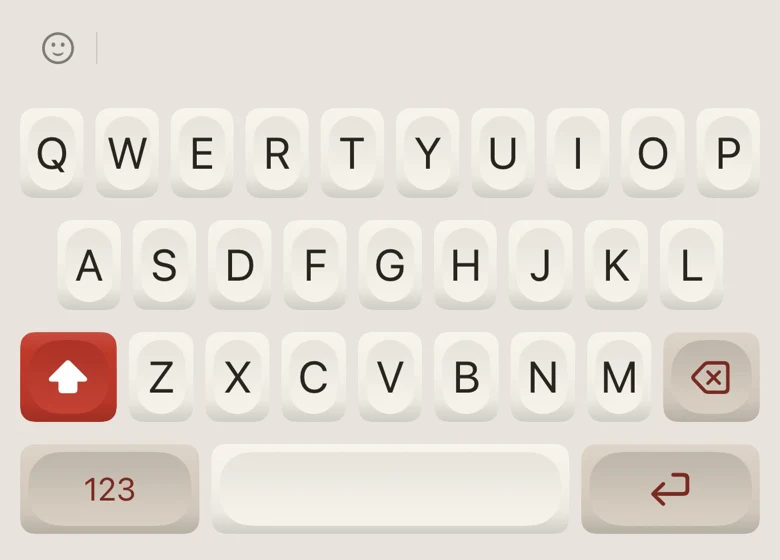
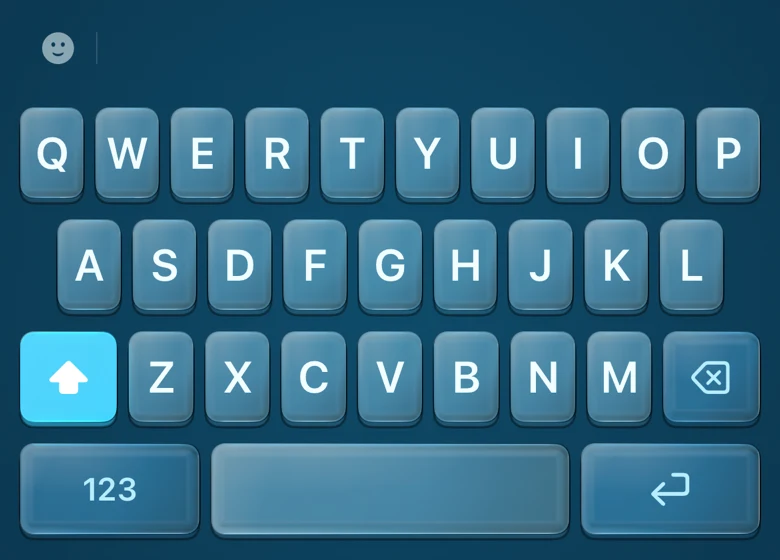
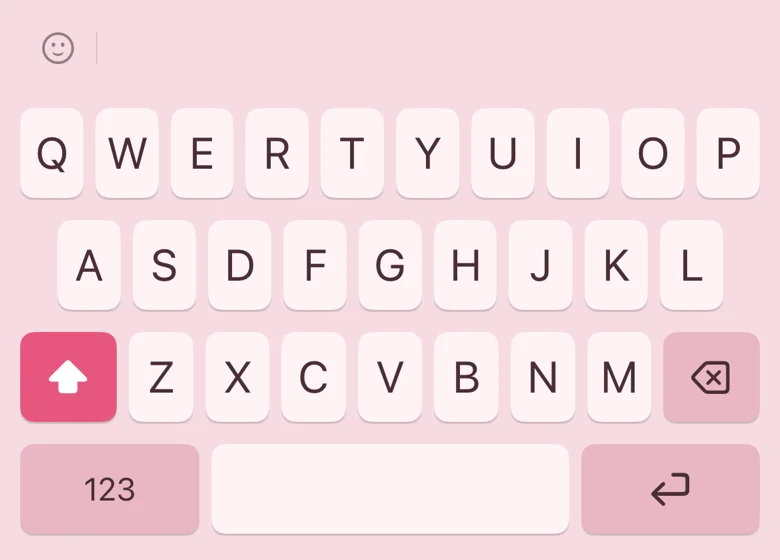
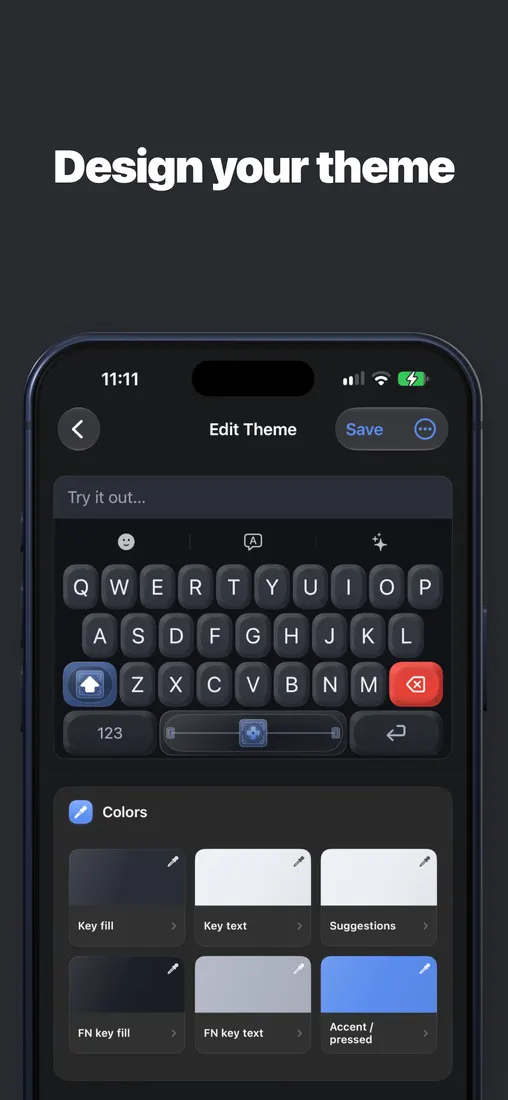
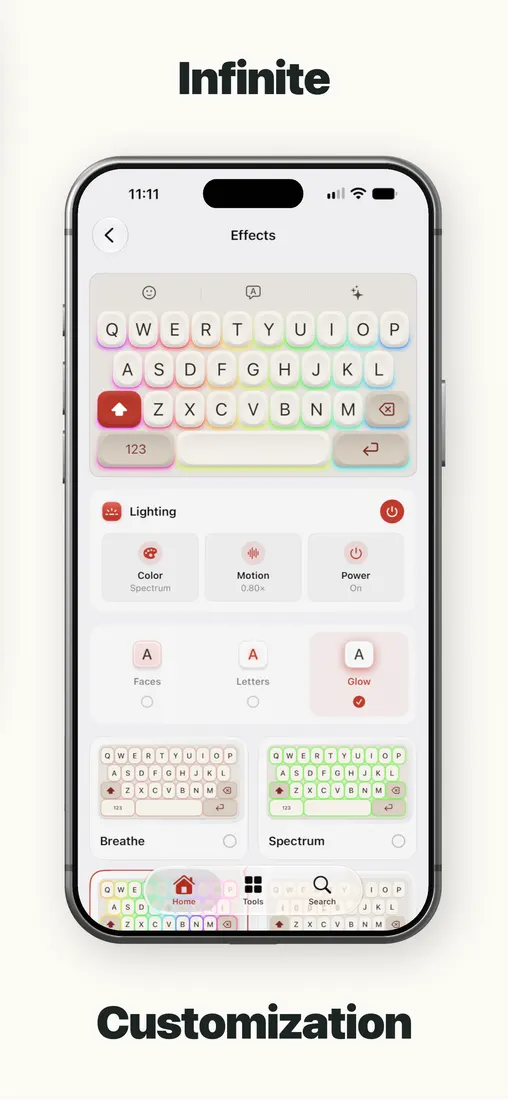
Solid colour, brushed metal, sculpted 3D keycaps, Liquid Glass. Start from a preset and change as much of it as you like.
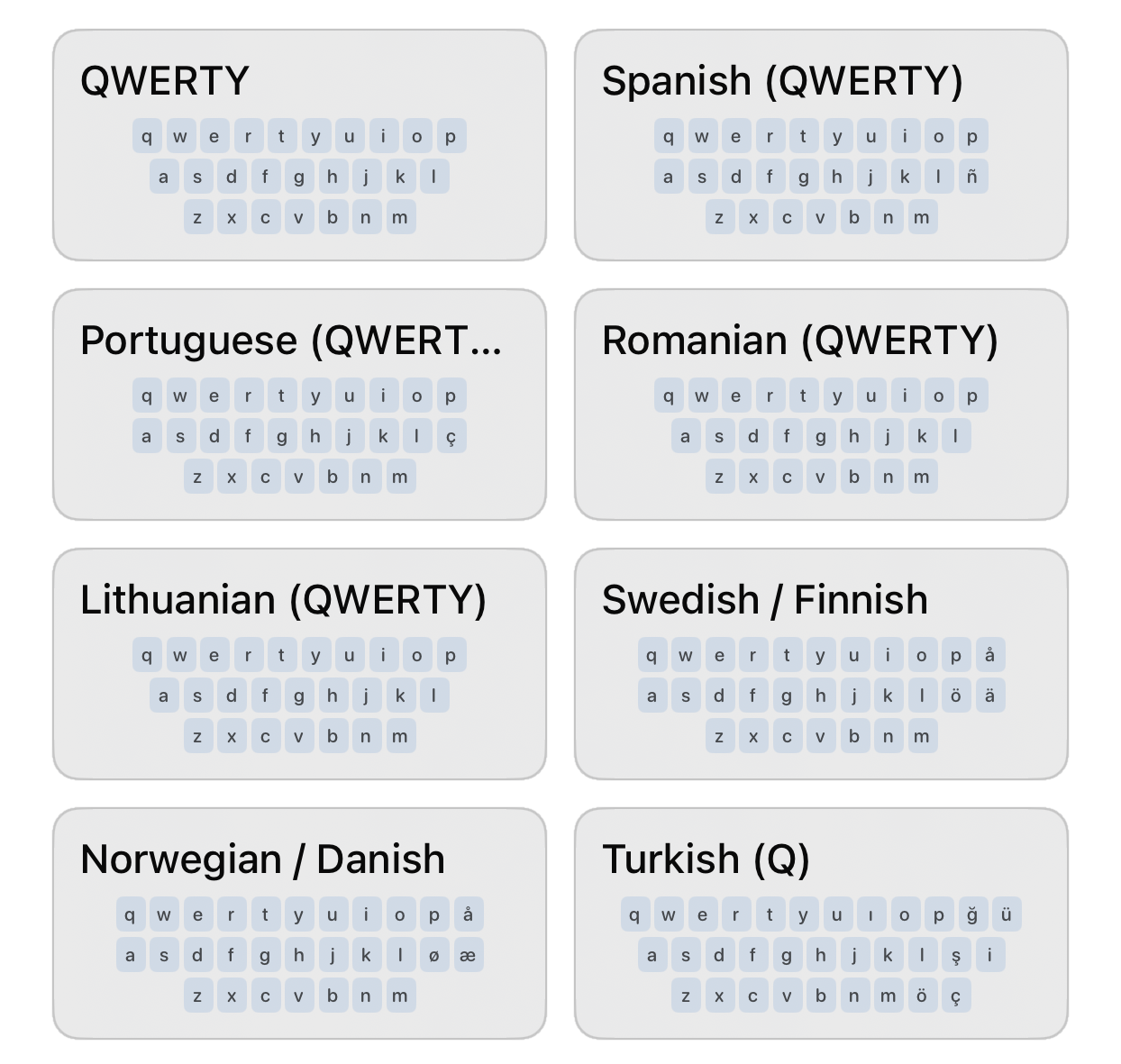
Layout
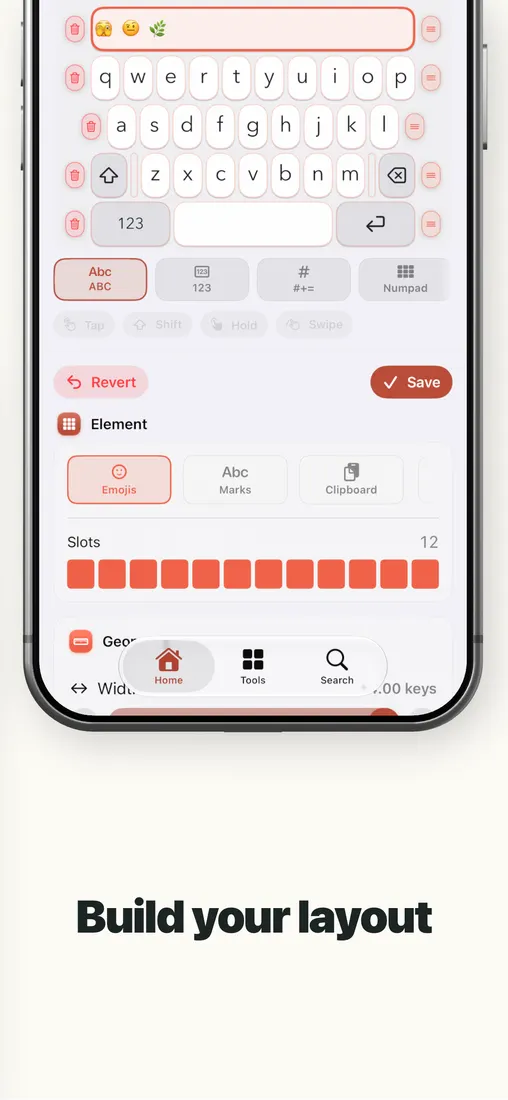
A number row, a split keyboard and one-handed mode are switches in settings. The Layout editor goes further, building keys, rows and whole extra pages of your own.
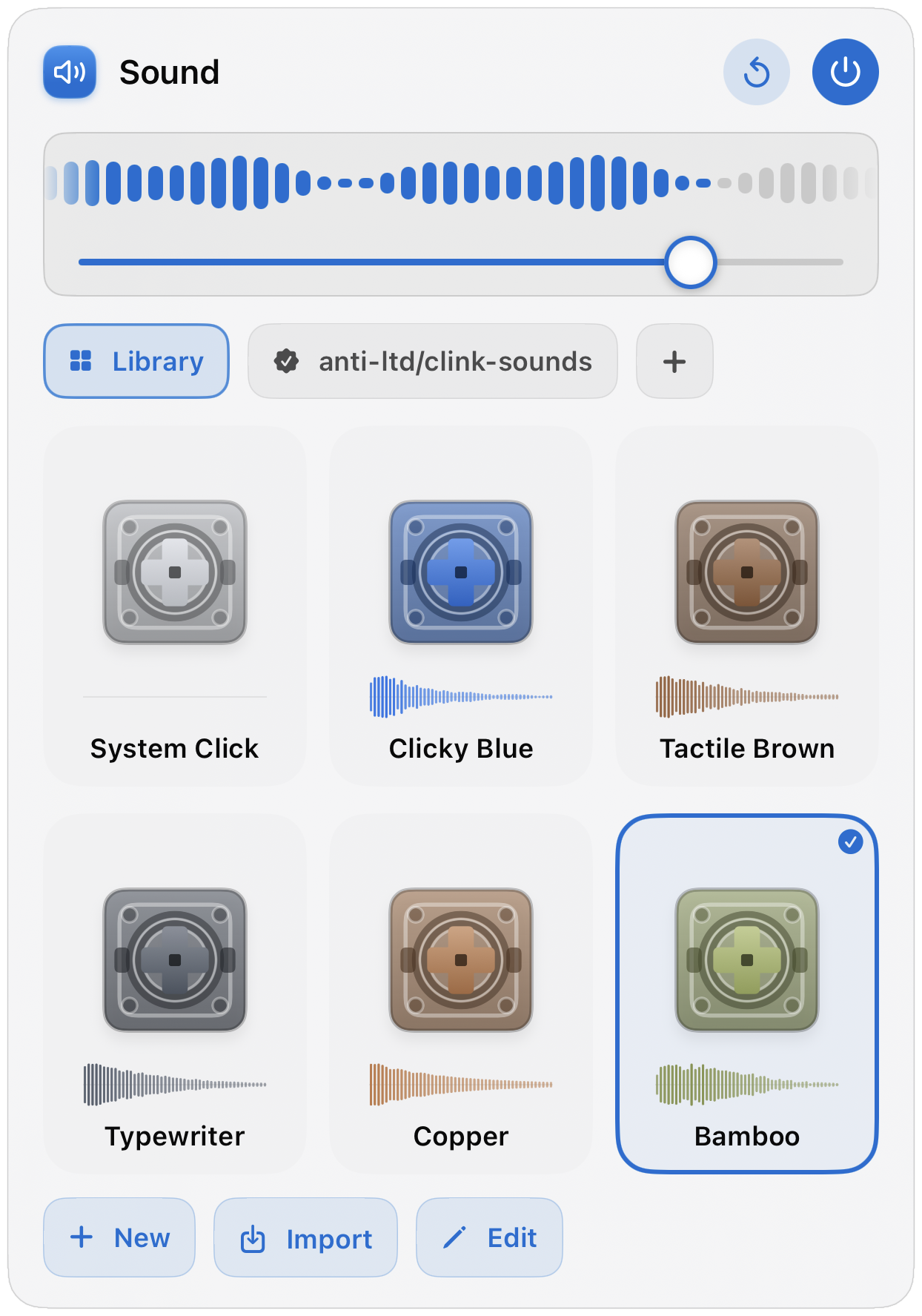
Sound
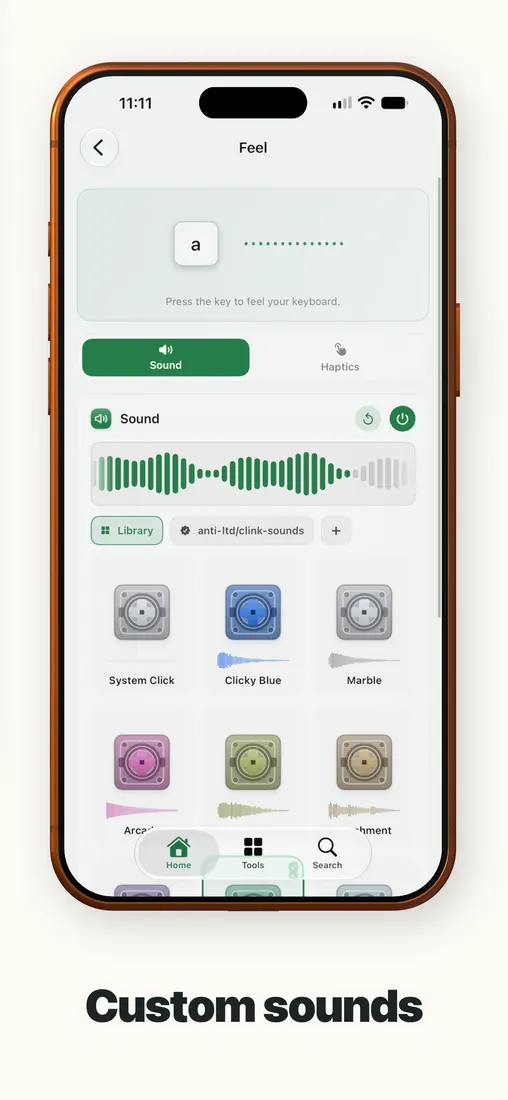
Swap the sound pack, or make one from your own recordings. The haptics are Clink’s own, so they still work where the system click is off.
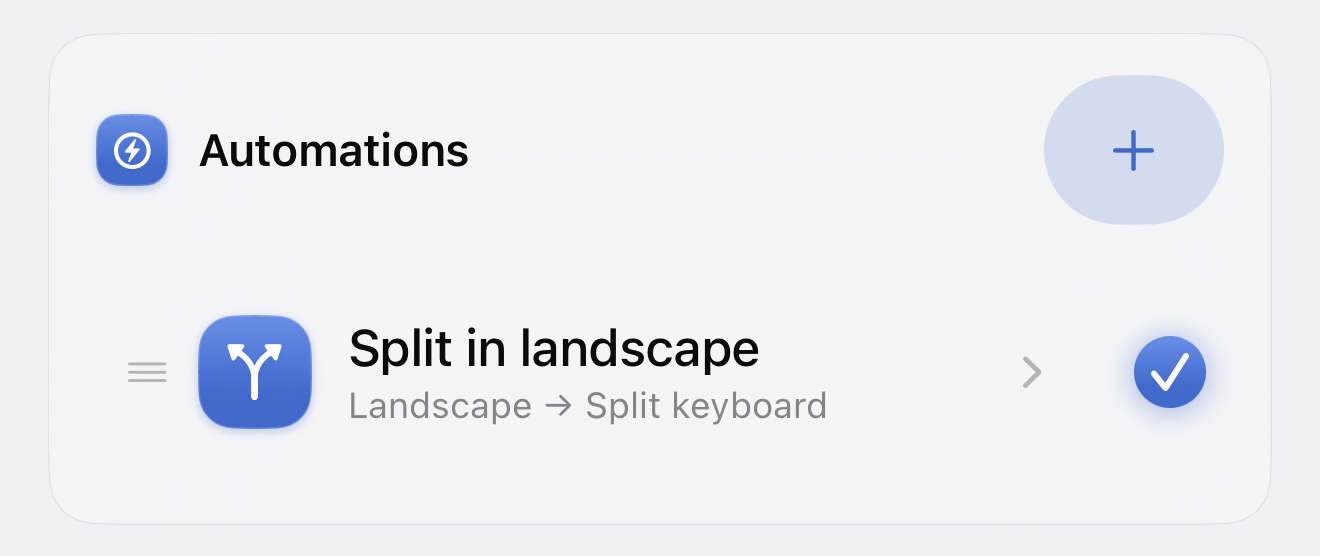
Automations
Plugins add the features you wish your keyboard had. Automations handle the settings you keep changing. Community repositories bring other people’s creations to your keyboard. Build a setup that does more for you.
Reduced motion is on. The preview is shown at rest.3D model by Taufiq K · adaptedCC BY 4.0
Languages
We support 78 languages, type in all at once, or one at a time
Every language below has an on-device typing pack. The app’s own screens are translated separately, so Clink can be in one language while the keyboard writes another.
Languages ›Typing
Slide through the letters and lift. Slide the spacebar to move the cursor. Autocorrect and next-word suggestions run on the phone, with no network on the typing path.
Swipe typing on iPhone: one thumb or two ›Choose by what you need
Jump to the guide that matches the job. Or start from the chooser if you are still deciding.
Honest comparison of Apple, Gboard, SwiftKey, Typewise, and Clink.
The Settings path, the globe key, and what Full Access means.
Materials, builder, photo backgrounds, 3D keycaps.
Sound packs and haptics that feel like a real board.
QuickPath-style swipe, plus two thumbs on one word.
Optional Full Access, offline typing, no Clink account.
Themes and ownership vs Search, GIFs, and Google.
Offline control vs multilingual prediction and Copilot.
Normal layouts and deep themes vs hex privacy branding.
Dictation
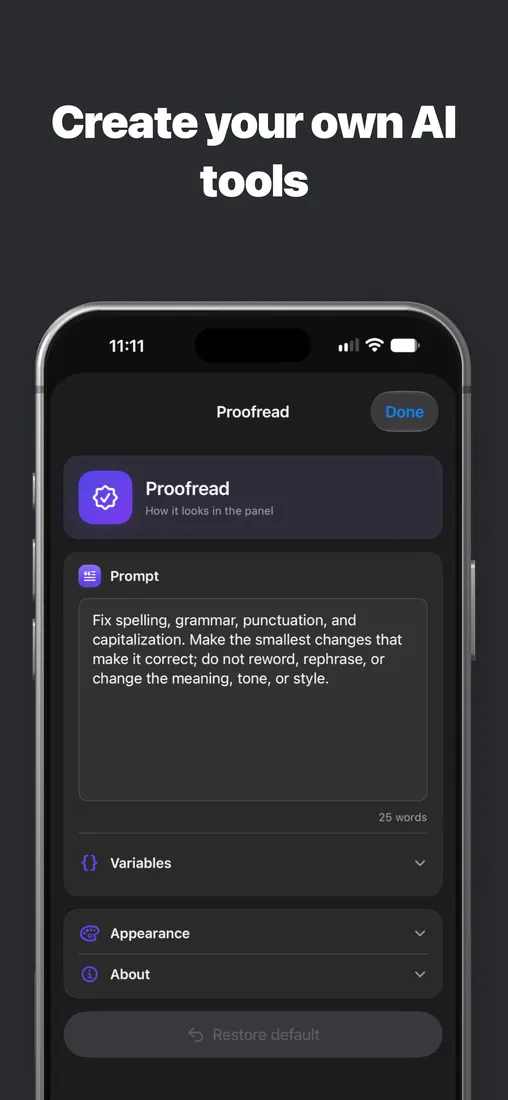
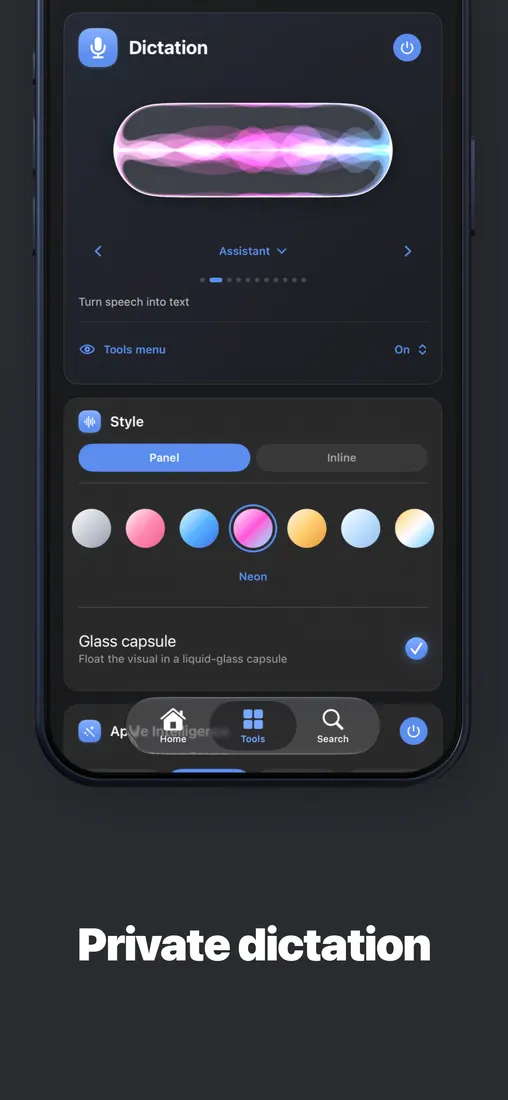
Dictate straight into the field you’re in. Proofread, shorten or change the tone of what’s already there, without leaving the app.
Dictation uses on-device SpeechTranscriber when available on iOS 26 with its language resources ready. The compatibility speech recognizer can send audio to Apple’s servers, including while those resources download. Dictation is not always offline.
Tools
Clipboard history, a notepad, a calculator, a translator. Open one, use it, carry on typing. Emoji is free; the rest is Membership.
Plugins
A plugin is a short Python script that runs in the keyboard. WPM Spacebar puts your typing speed on the space bar. Typewriter gives the keys round caps with a chrome ring. Get plugins from a repository, or write one in the app.
Plugins can’t reach the internet or read your files. They come with Membership.
SHORT = {"omw": "on my way", "brb": "be right back"}

def on_key(key, state):
    words = context()["before"].split()
    if key == " " and words and words[-1] in SHORT:
        word = words[-1]
        # the space is in already, swap it too
        replace(len(word) + 1, SHORT[word] + " ")
return statePreview
Community
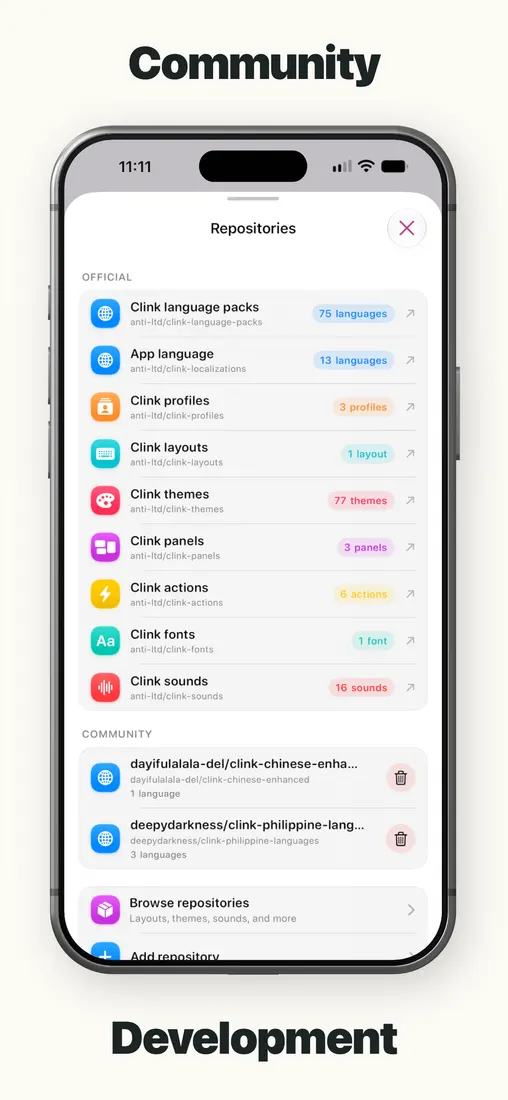
Clink reads themes, layouts, sounds, fonts, profiles, panels, actions and plugins from public GitHub repositories. Browse official shelves in the app, add community ones beside them, and install a pack without making an account.
Make something worth sharing and publish it as a release. Other people add your repository by name; Clink verifies every file before it lands on their phone.
Privacy
Full Access is optional for typing. It enables clipboard features, custom feedback and cloud AI requests you choose to run. Suggestions and predictions stay on device.
Membership
Typing, swipe, emoji, preset themes and layouts, the number row, split and one-handed, language switching, and iCloud Sync.
AI Tools, Clipboard, Notepad, Translate, Calculator, Handwriting and Text FX. Plus plugins, pets, stickers and sound packs, themes, layouts and profiles of your own, and the fine-tuning sliders.
Monthly, yearly, or one payment. Your local price is on the App Store. A trial may be available for eligible accounts.
Everything, line by line ›Clink
Settings → General → Keyboard → Keyboards → Add New Keyboard → Clink
Add Clink in iOS Keyboard settings, then hold the globe key in any app and pick it. Full Access is optional.